Can I switch templates after I've started?
Change a resume’s presentation and check that your confirmed facts still appear correctly.
Written By Landon
Last updated 1 day ago
Template choices change presentation, not the underlying confirmed career facts. Review the complete resume after switching and verify that headings, dates, bullets, and page breaks still fit the target job.
Career drafts must stay accurate and user controlled
Resume Raven does not verify employment, guarantee interviews or jobs, apply to an employer, or send a resume. Document extraction and AI drafts may be wrong and require review.
Follow these steps
Find the starting point
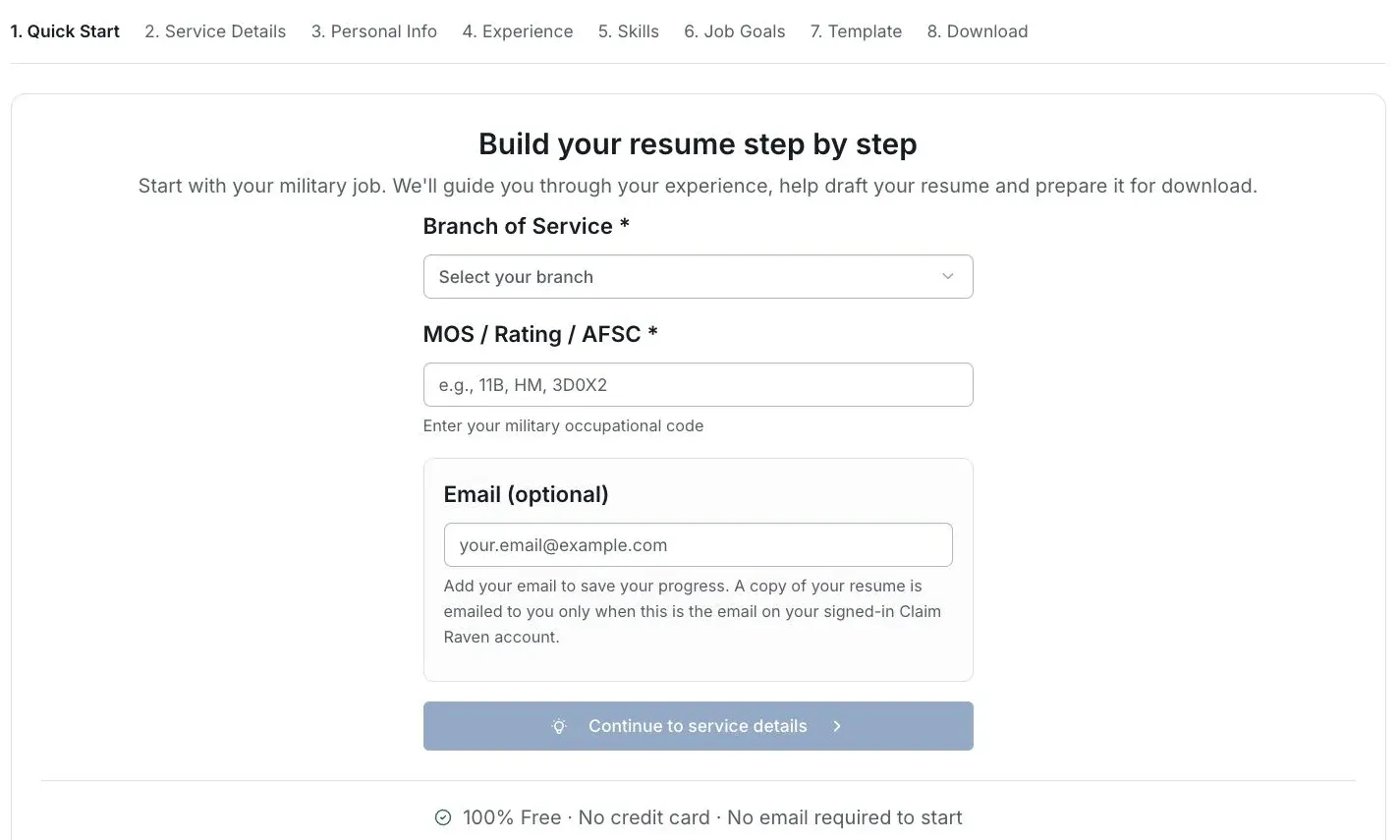
Actual Resume Raven screen in the fictional account preview; no personal records uploaded.
Keep your factual draft
Review the experience, dates and achievements before changing the presentation.
Choose a template where offered
Use the template control in the resume workflow you are using. A layout choice does not change which facts are true.
Review every page
Check headings, dates, bullet wrapping and page breaks after switching.
Check the export
Open the final file and read it again before sending it to an employer.
If this does not work
Text no longer fits after a template change
- Check all pages and headings in the preview.
- Open the exported file to inspect wrapping and page breaks.
Adjust presentation without inventing or deleting important facts merely to fill a page.
Return to Resume Raven
Review your facts and the intended job before continuing.
Useful links
Related articles
Was this helpful?
Still need help? Ask the team