What is Gap Analysis?
Understand what Gap Analysis checks in a decision letter and how to verify possible evidence gaps.
Written By Landon
Last updated 1 day ago
What it reviews
Gap Analysis reviews the VA decision letter and issue scope you select. A possible gap is a question to investigate, not proof that evidence is missing or that a particular review lane is right for you.
To open it, go to a condition's page and select Check for missing evidence under Tools. If it is not listed, open More tools. In Ask Raven, More tasks > Find gaps in my evidence compares a decision with your evidence in a chat.
Start a decision-letter review
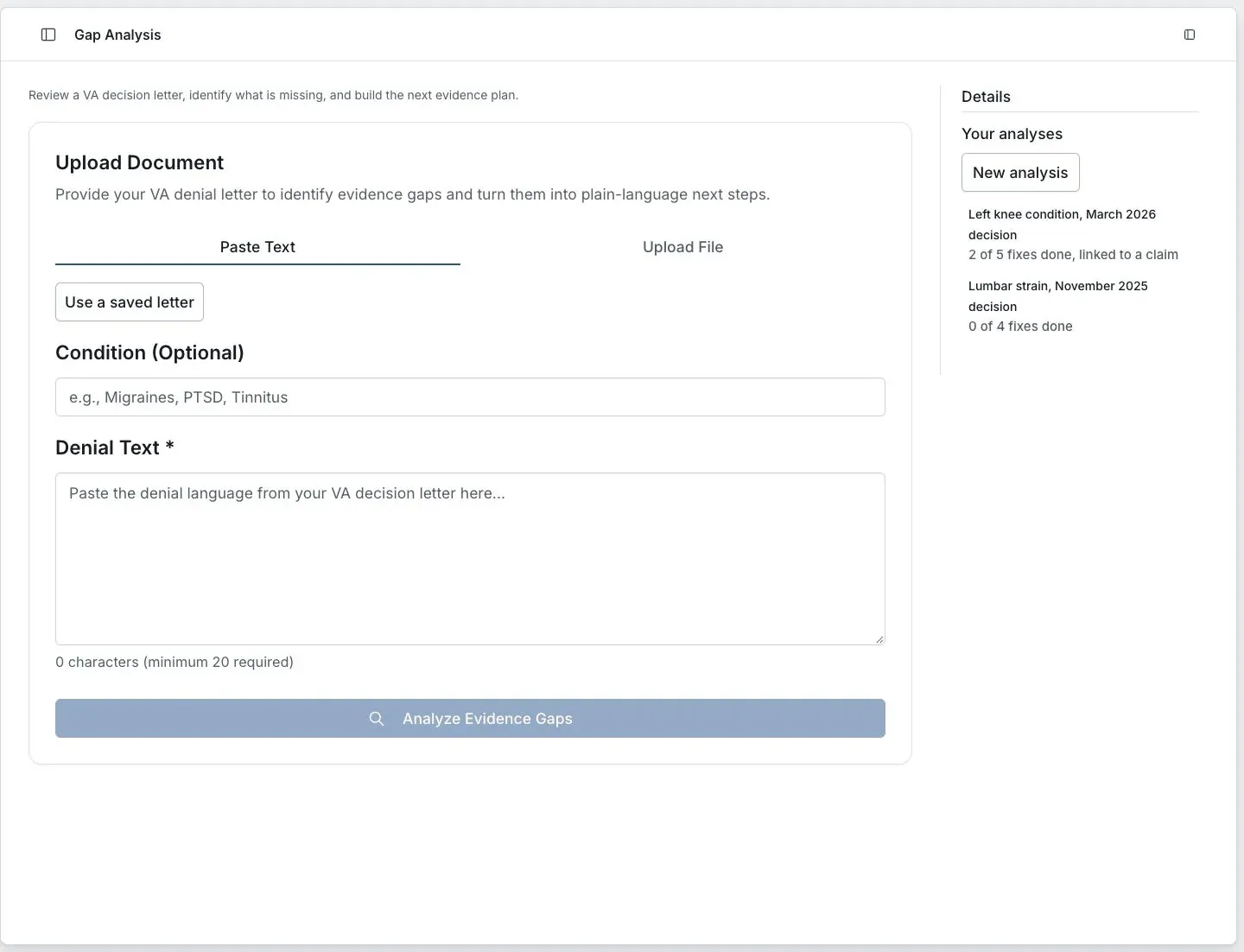
Fictional preview. No member records are shown.
Review a result
Check the selected letter
Use the complete letter and confirm which issue you are reviewing. The optional Condition field can help define that scope.
Compare each proposed gap
Find the relevant passage in the letter and compare it with the records you already have. The tool does not automatically compare every record, task or statement.
Keep questions separate from conclusions
Write down what you need to verify before deciding whether to collect more evidence or use a finding in later work.
Decisions you still need to make
Gap Analysis does not decide whether evidence is sufficient, select a review lane or calculate a deadline. Read the complete notice and current official instructions for those decisions.
If this does not work
The analysis names the wrong issue
- Check the letter you selected.
- Check the optional Condition entry.
- Compare the result with the issue and reasons stated in the original letter.
Do not use a result that describes a different issue. Correct the input or describe the mismatch to support without sending private records.
Open Gap Analysis
Sign in to return to your account and saved work.
Related articles
Was this helpful?
Still need help? Ask the team